Import
Add short personal audio without making it public.
Discover, organize, and send sounds with native iOS SoundBoards and Apple Messages integration.
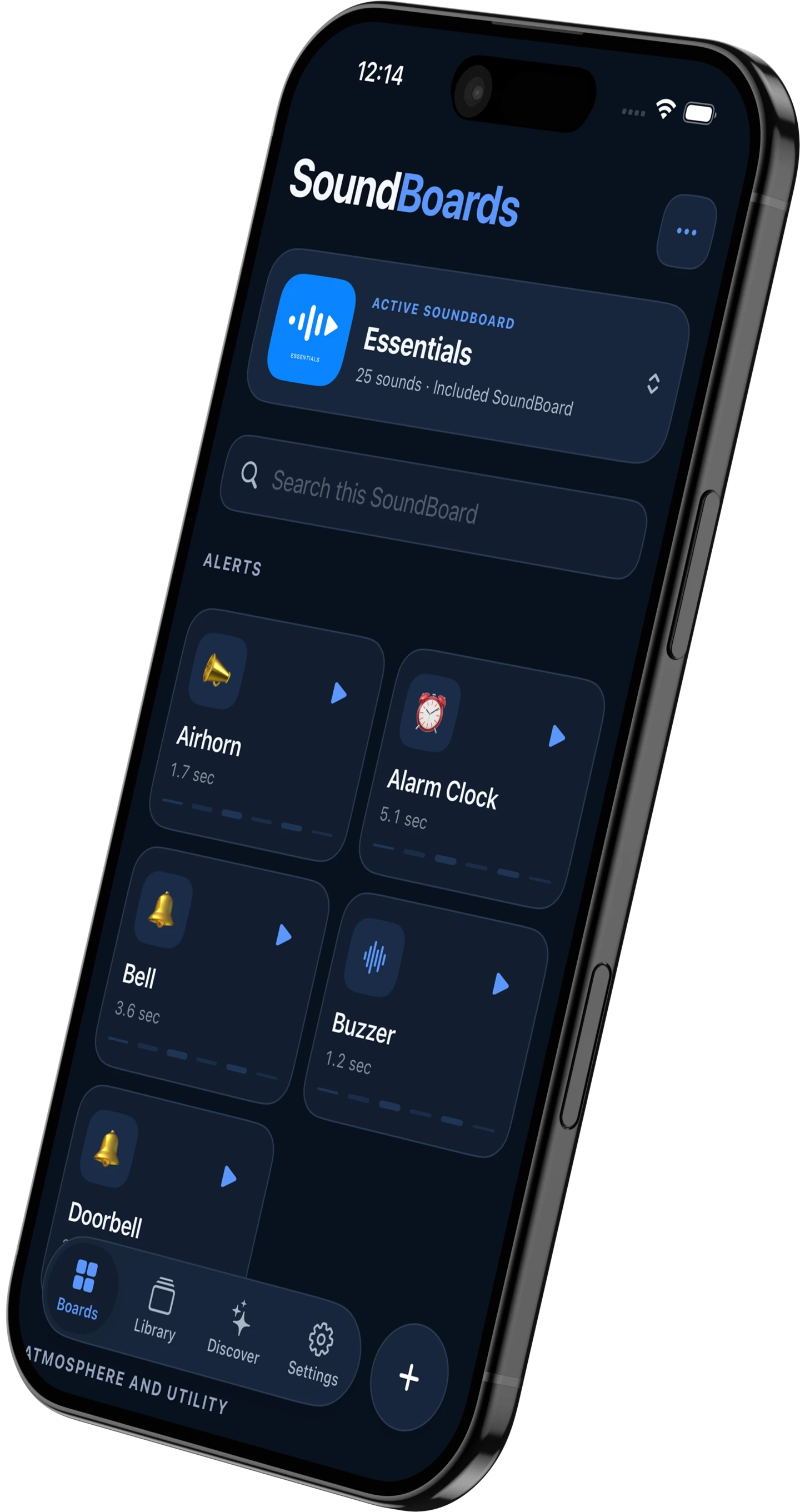
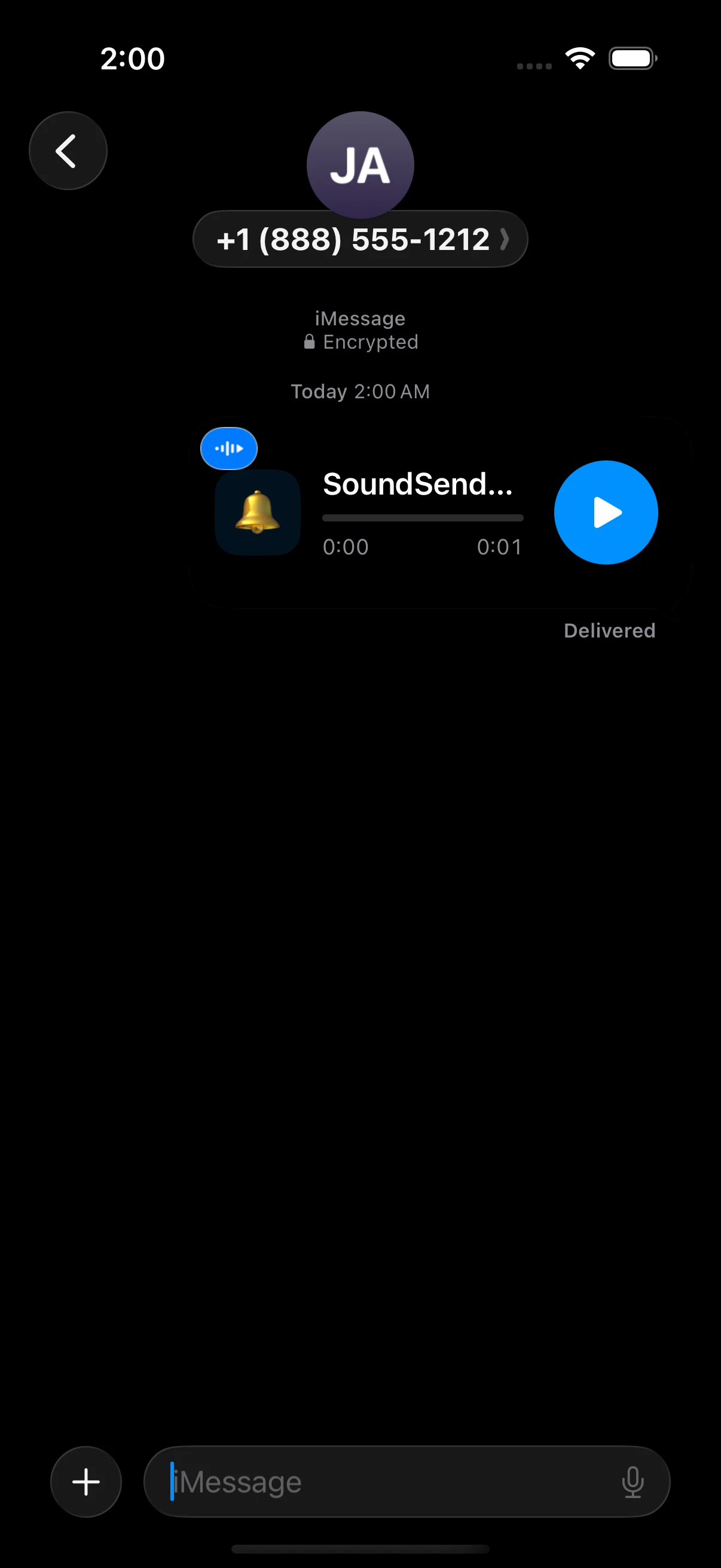
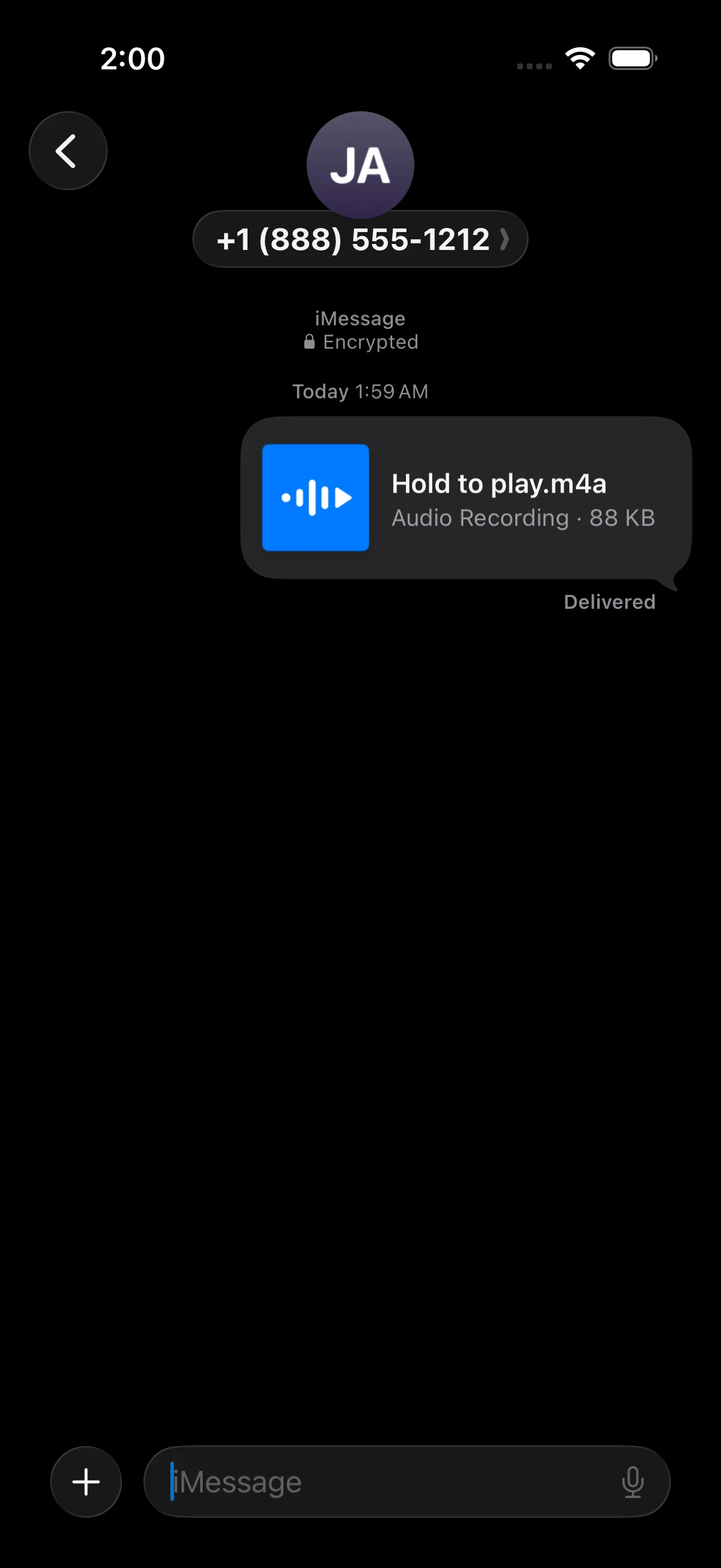
Build boards for the moment, keep every source in one library, discover what’s next, and send the sound without breaking the conversation.
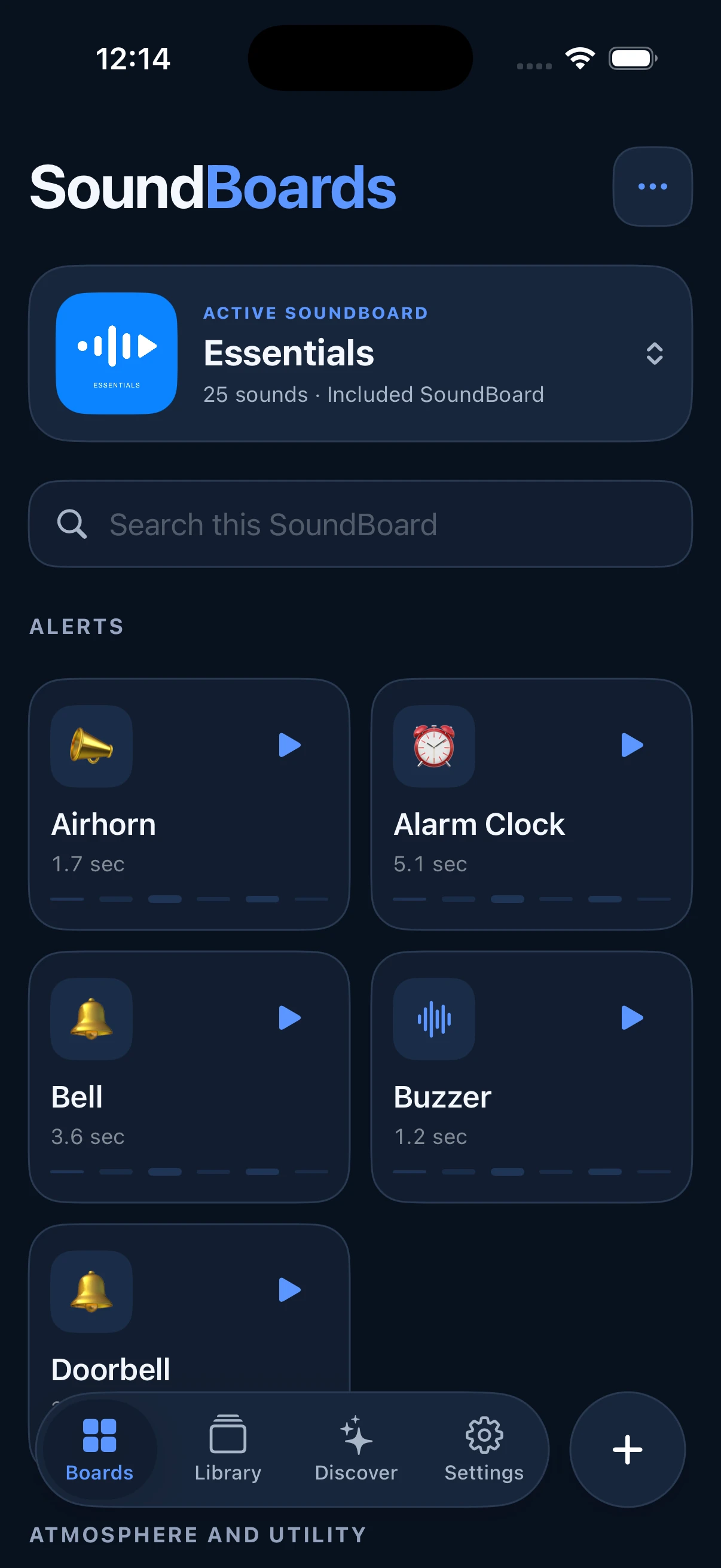
SoundBoards
Custom boards, included official boards, and direct playback keep the right sound one tap away.
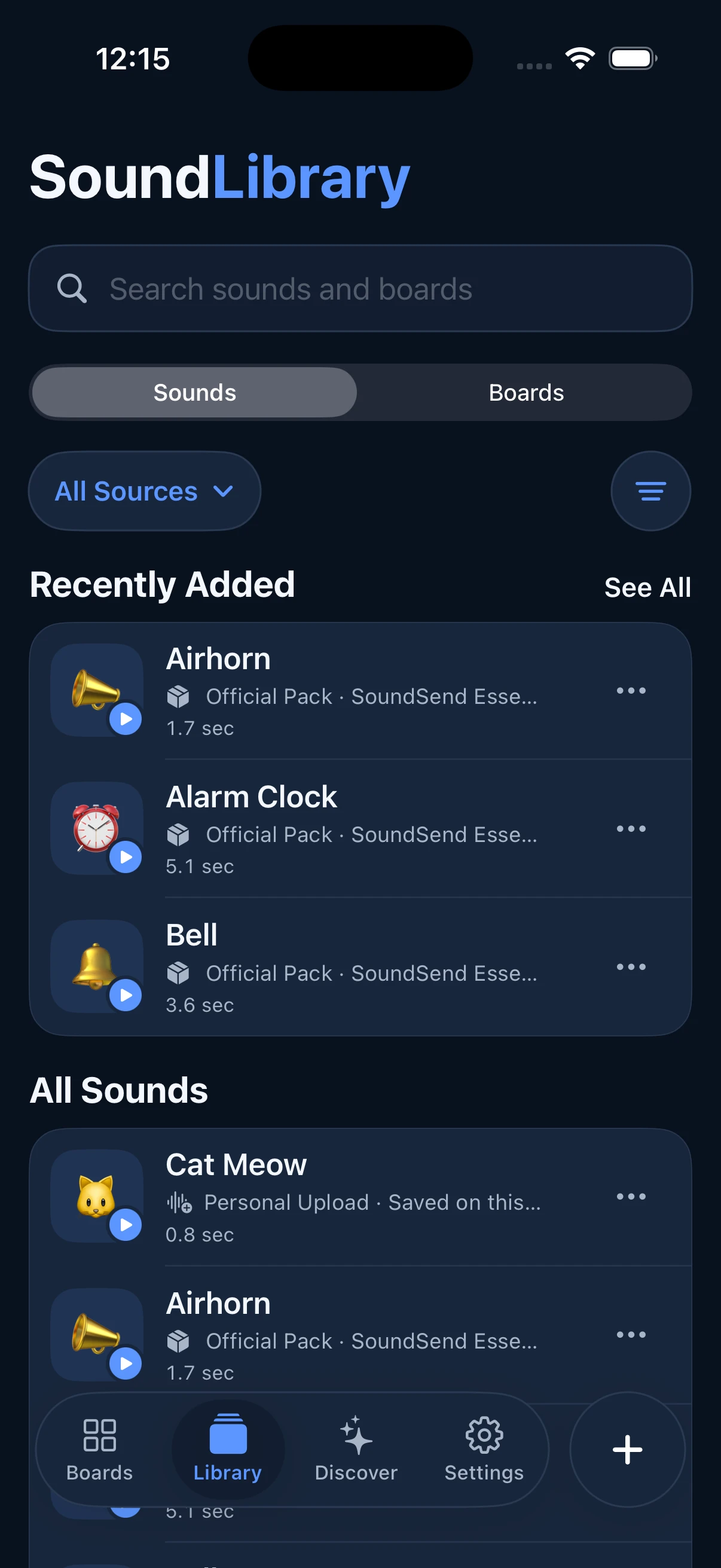
SoundLibrary
Browse sounds directly across official packs, personal uploads, and future community sources. Switch between Sounds and Boards, filter the source, and keep recent additions close.
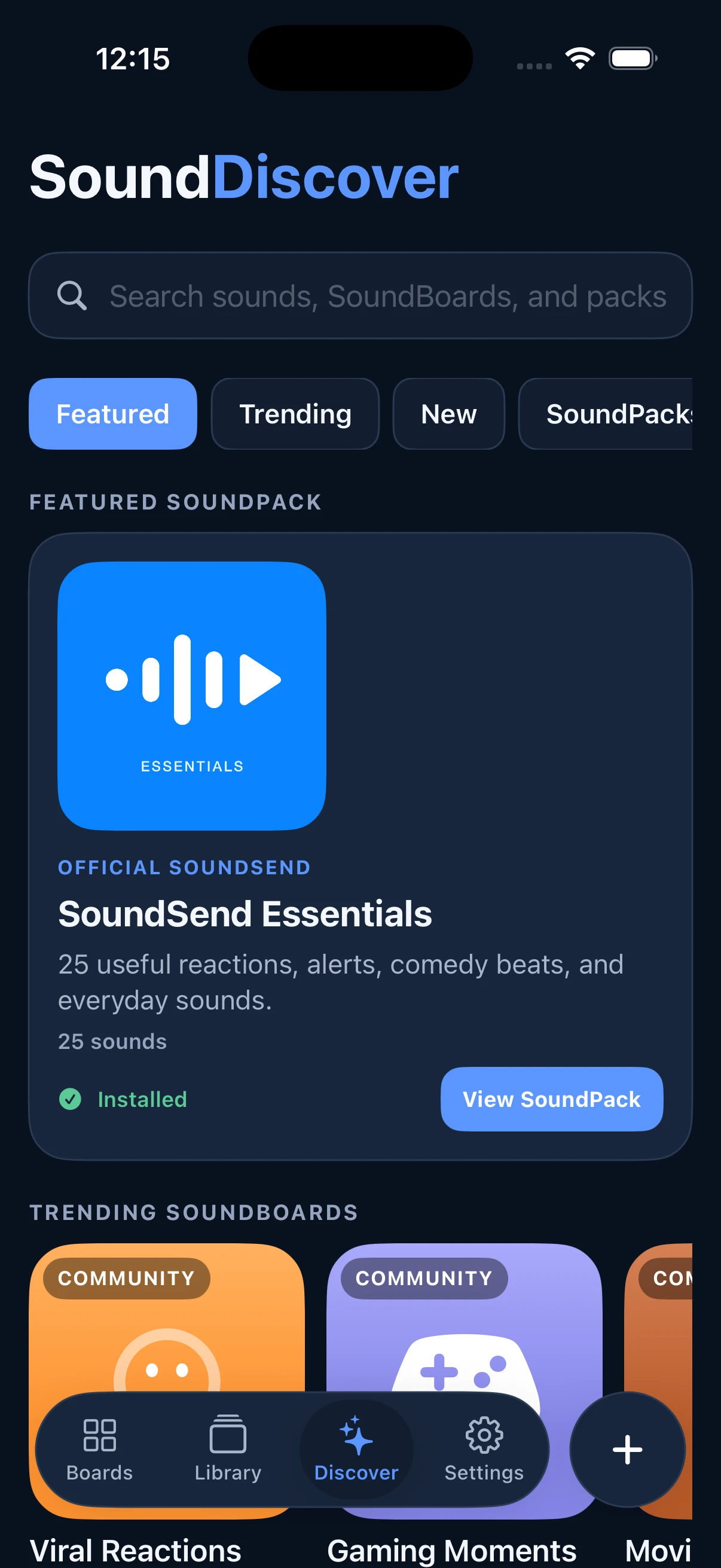
SoundDiscover
Explore included SoundPacks today. Featured and trending community SoundBoards, individual sounds, and creator discovery are part of SoundSend’s planned community experience.
Each part of SoundSend has a clear job, so playback stays fast and the library stays understandable as it grows.
Add short personal audio without making it public.
Keep sounds in SoundLibrary and add them to multiple SoundBoards.
Use local-first playback and caching when the moment arrives.
Choose the Messages experience that fits the recipient.
Official SoundPacks
Install official packs such as SoundSend Essentials, play included sounds locally, and add favorites to personal SoundBoards. More official packs can extend the library over time.
Useful reactions, alerts, comedy beats, and everyday sounds in an included official pack.
IncludedPersonal uploads
Import a short clip, organize it, and send it through Messages.
Add short audio to SoundLibrary.
Add one upload to multiple SoundBoards.
Share it like any other sound.
Local access, secure delivery, never public automatically.
Community
SoundSend’s planned community experience brings together public SoundBoards, individual sounds, creator discovery, saving, and adding community sounds to personal boards. It will launch only when publishing, rights, reporting, and moderation flows are ready.
SoundSend is preparing for App Store launch. The download link will appear here when the listing is ready.